A little closer, wherever you are

Good conversations
make a place feel
like home.

Bring one-to-one chats, communities, and voice or video calls into one welcoming place.

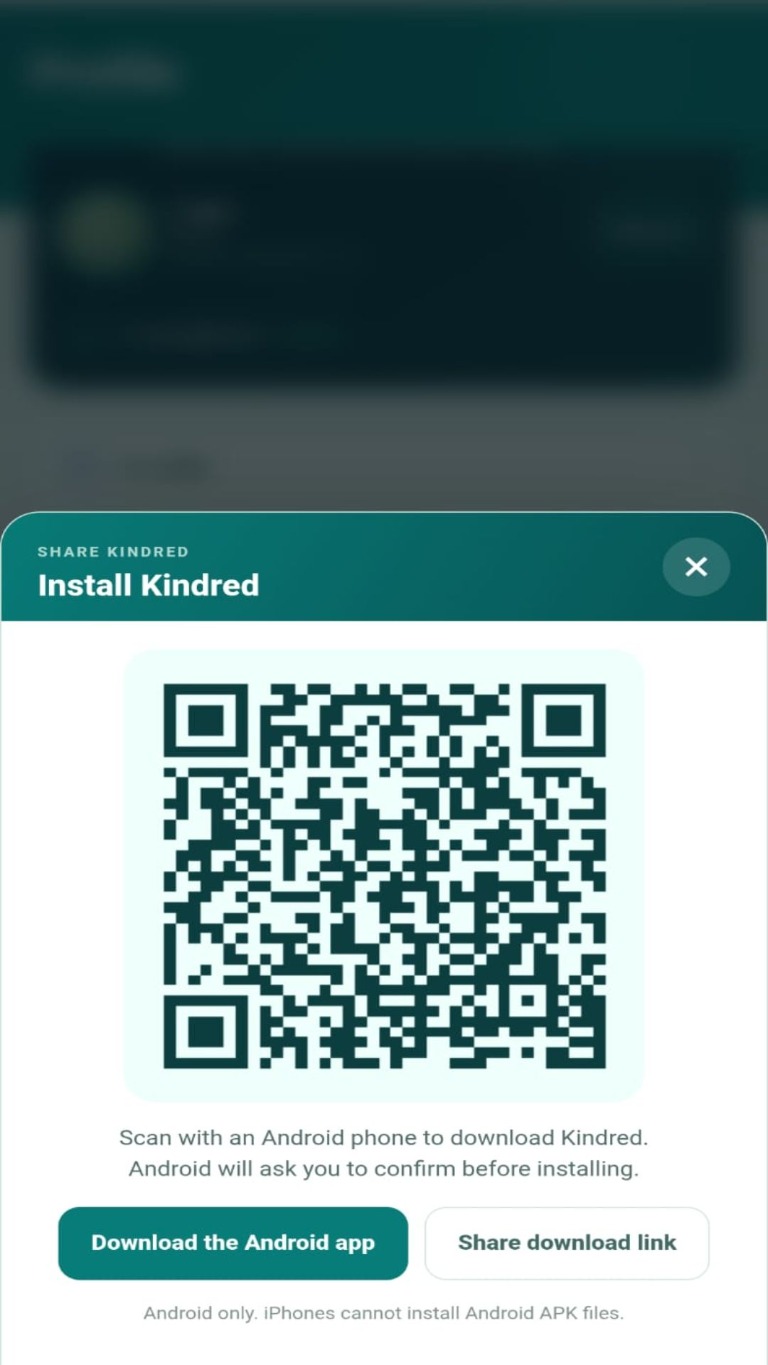
Android app · Install from the latest APK
One app, all the ways to connect

What you can do
with Kindred.

Pick up a conversation, discover a community, or hear a familiar voice. Kindred keeps the everyday ways of staying close together.

01 / CHATS

Conversations
that feel personal.

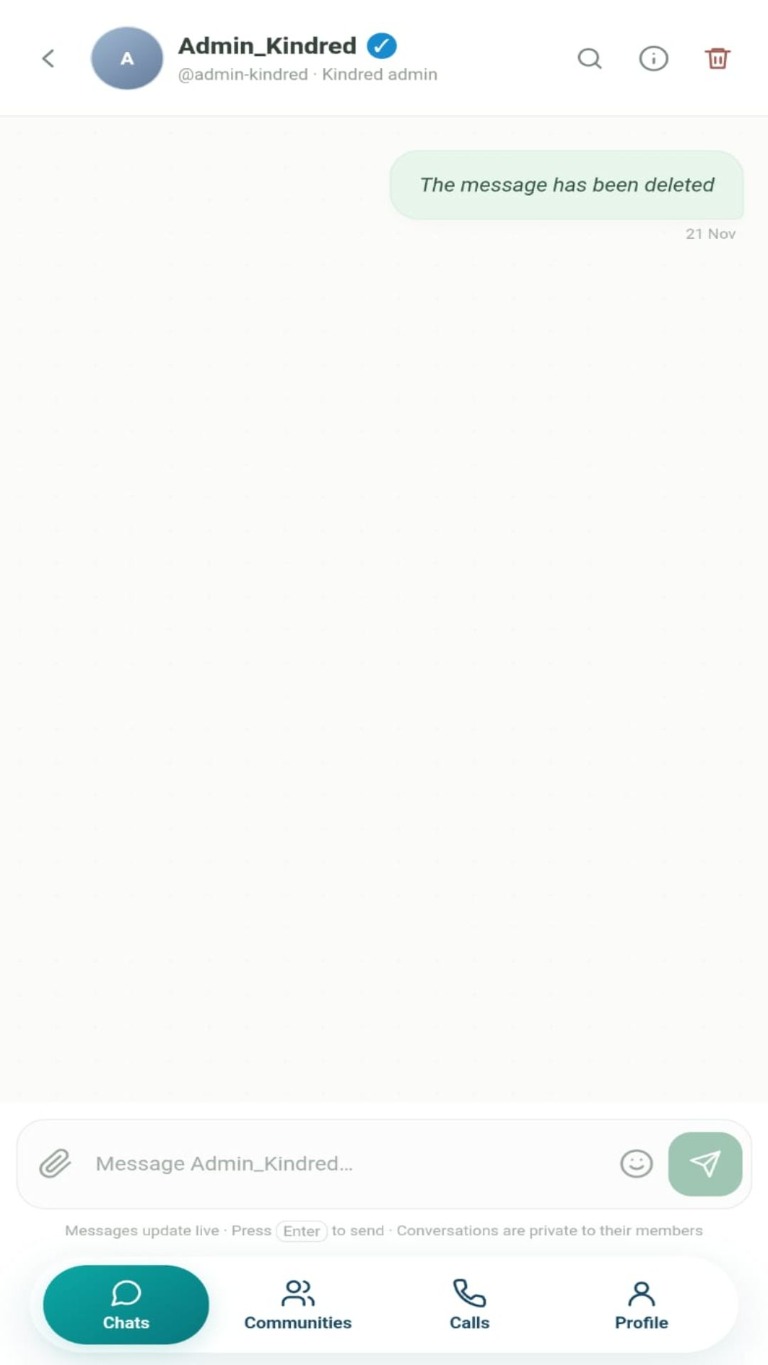
Message people directly and keep up with your conversations in one simple inbox.

Private conversations
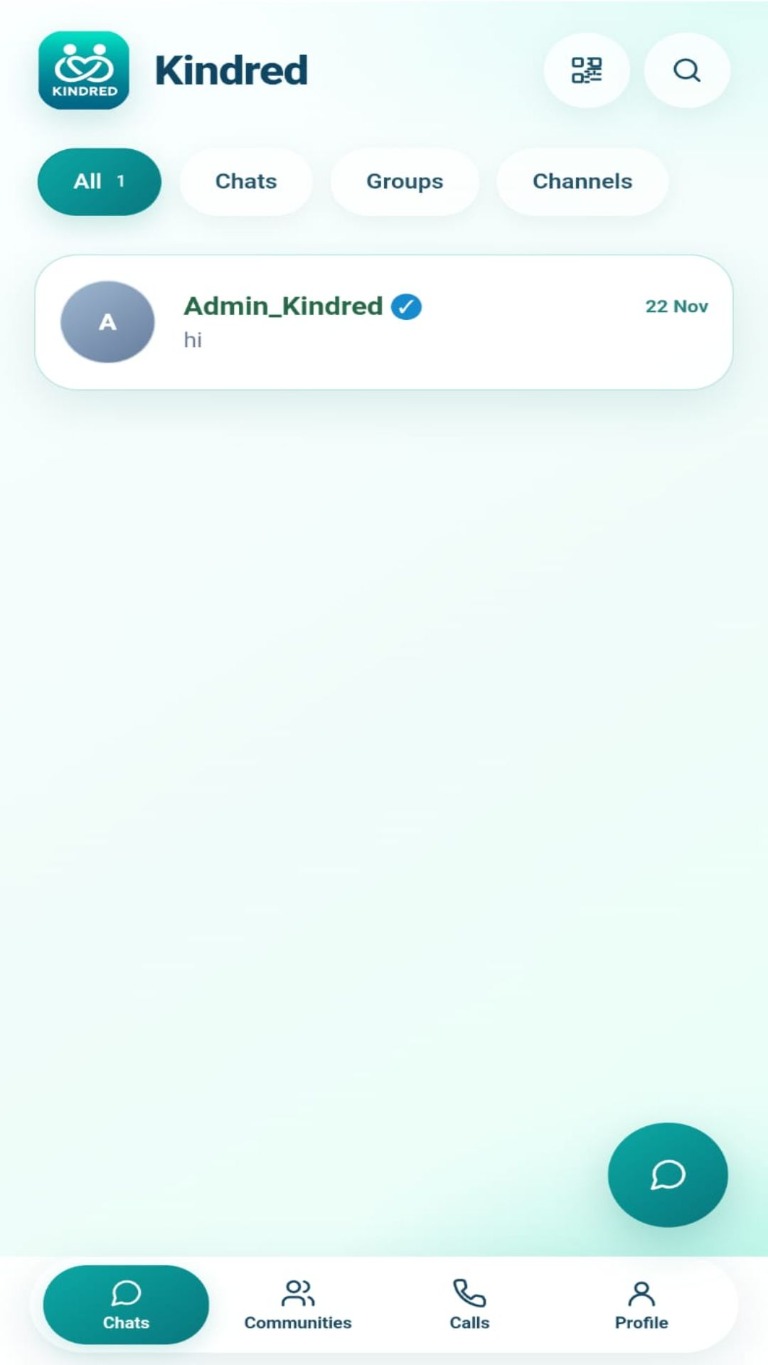
Kindred inbox with chat, group, and channel filters
02 / COMMUNITIES

Find your people.
Make a space.

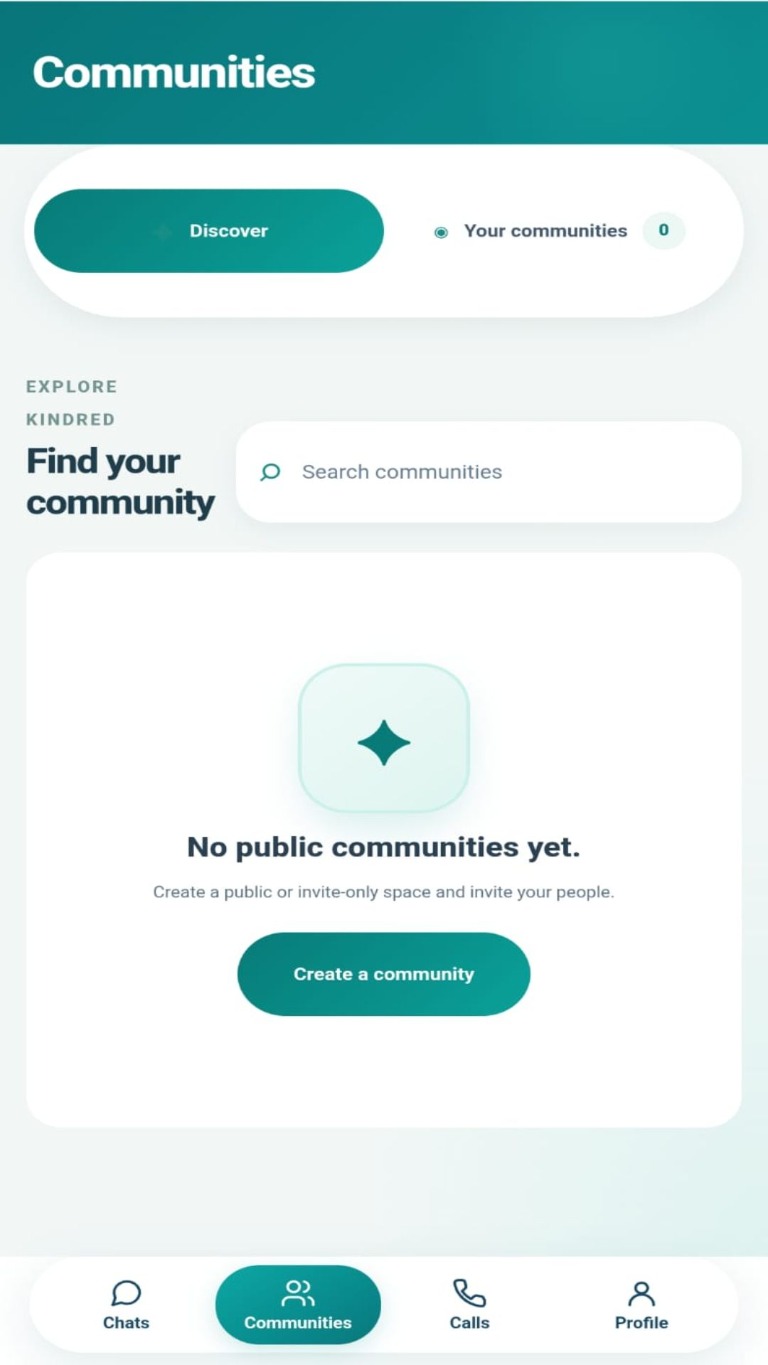
Discover public communities or create a public or invitation-only space of your own.

Discover or create
Kindred community discovery with an option to create a community
03 / CALLS

Hear them.
See them.

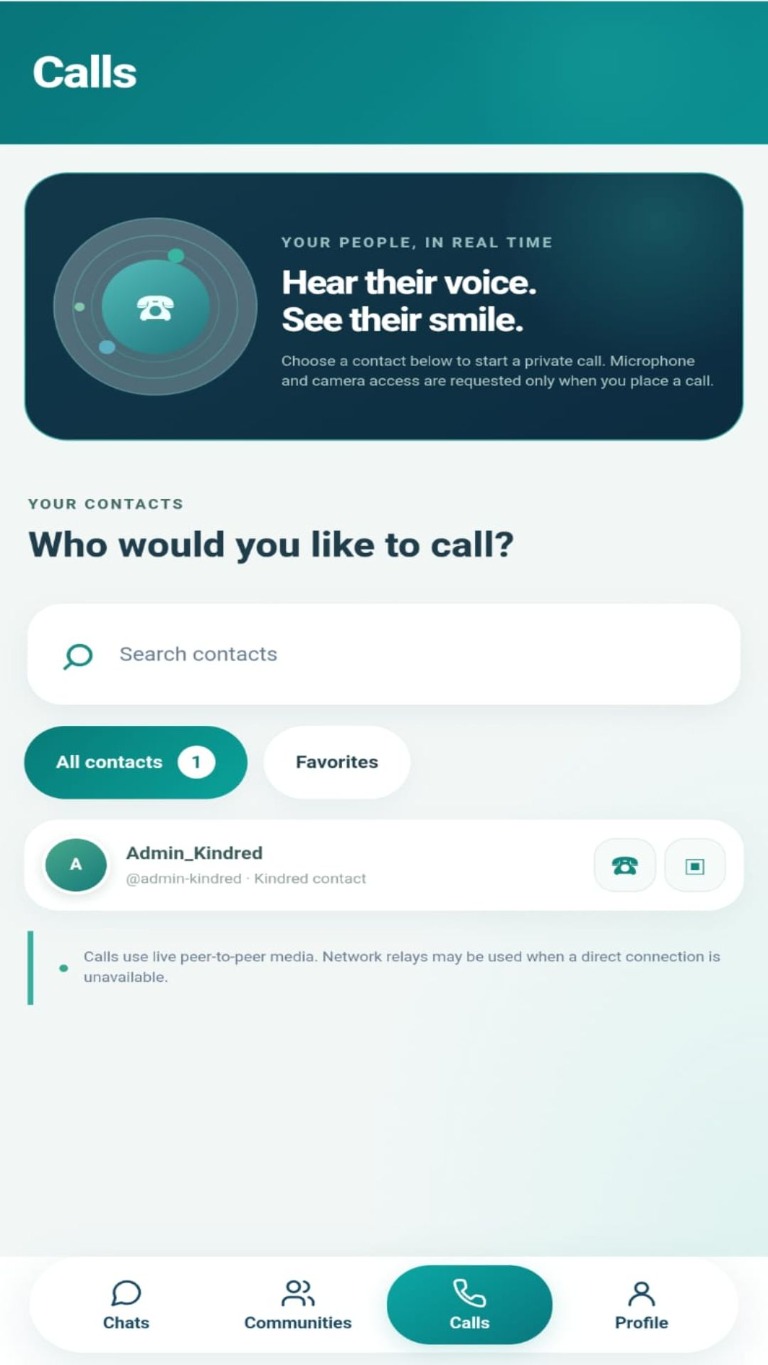
Start voice or video calls with your contacts. Microphone and camera access are requested when you call.

Voice and video
Kindred contacts screen with voice and video call buttons
04 / YOUR PRIVACY

Your profile.
Your choice.

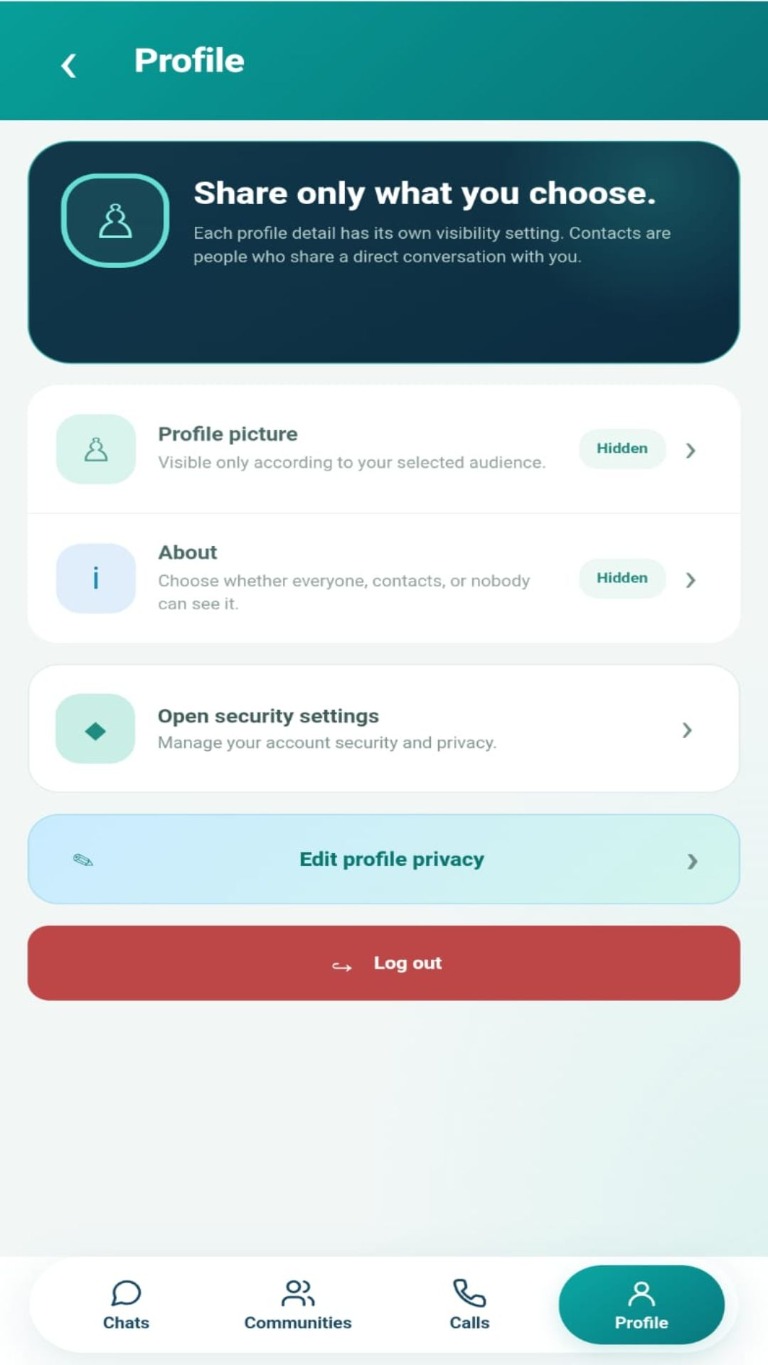
Choose who can see profile details like your picture and About information.

Visibility controls
Kindred profile privacy settings for profile picture and About information
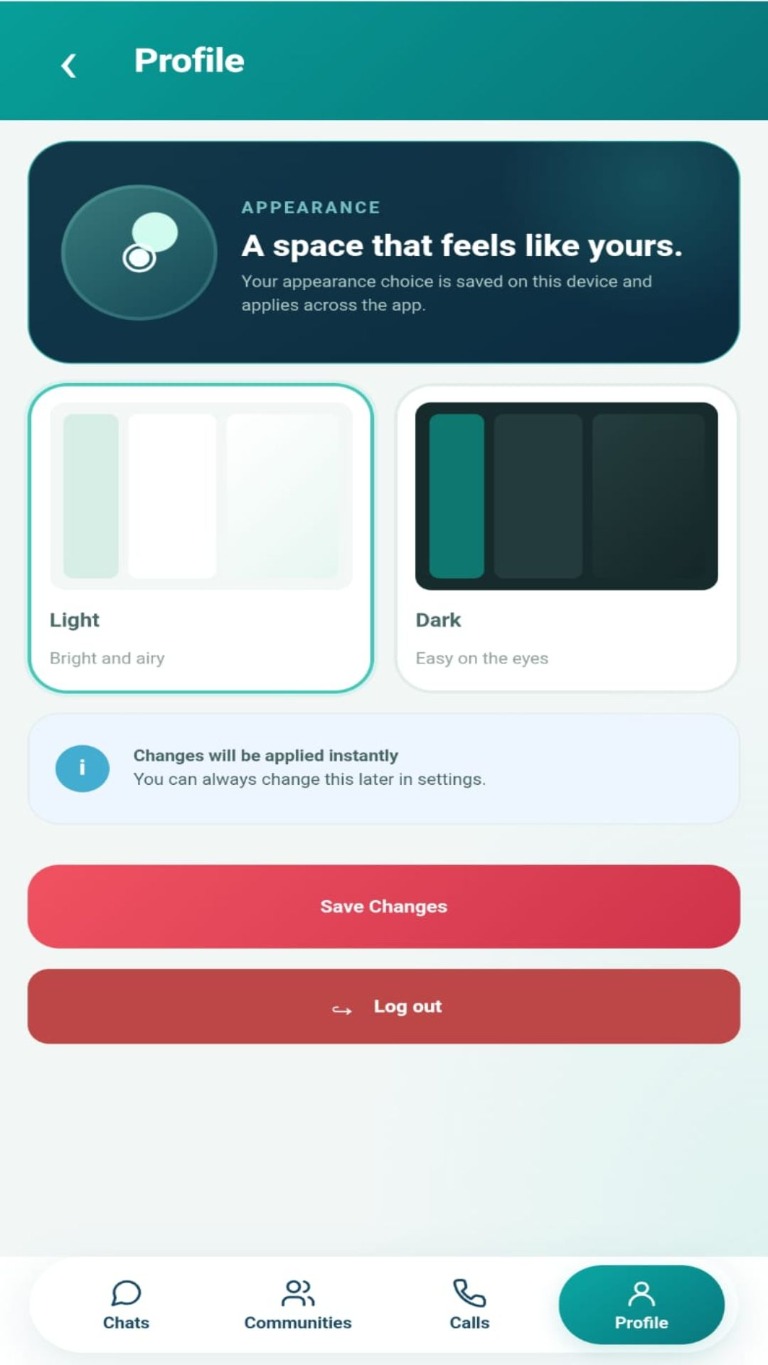
Kindred appearance settings with light and dark themes
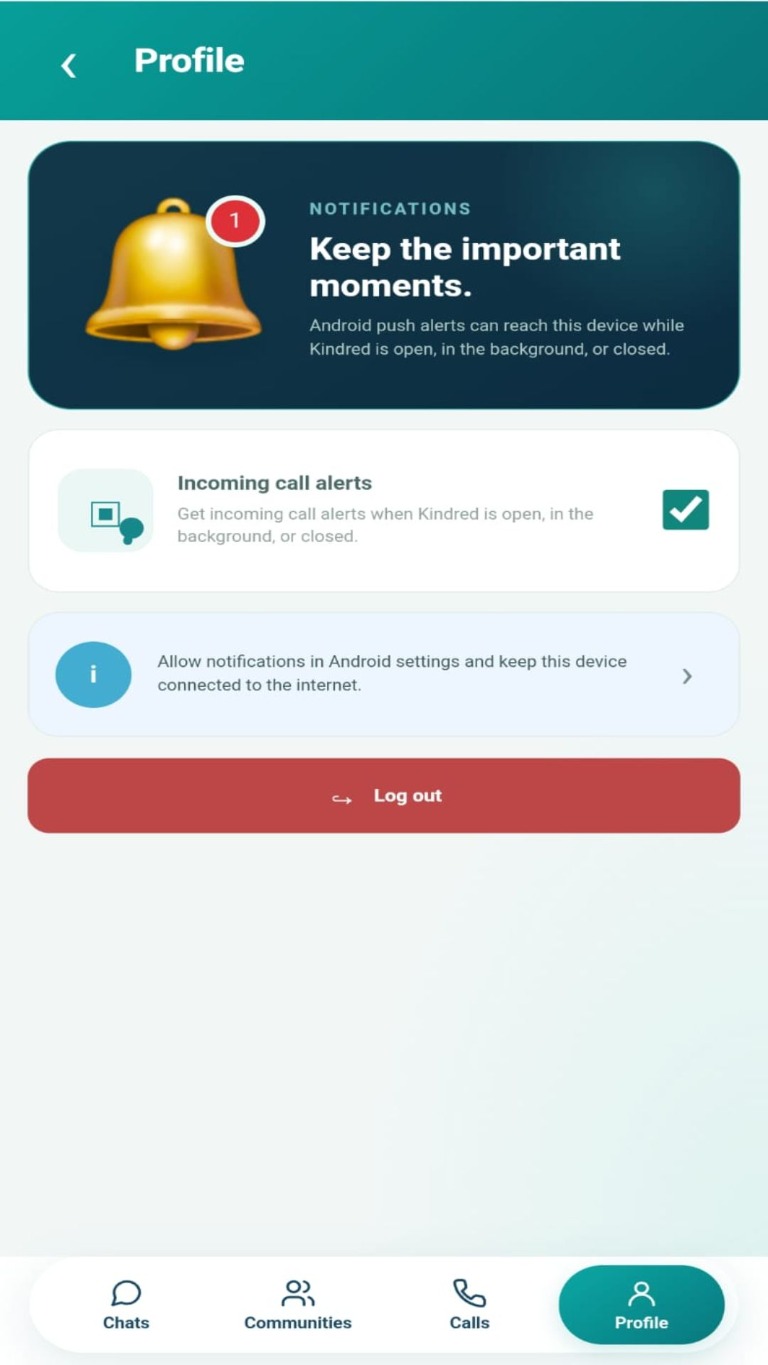
Kindred profile and privacy controls
Thoughtful, practical controls

Make Kindred
feel like yours.

Set a light or dark appearance, manage profile visibility, and choose your notification preferences. Your appearance choice is saved on your device.

  • ✓ Light and dark themes
  • ✓ Profile visibility settings
  • ✓ Android notification controls
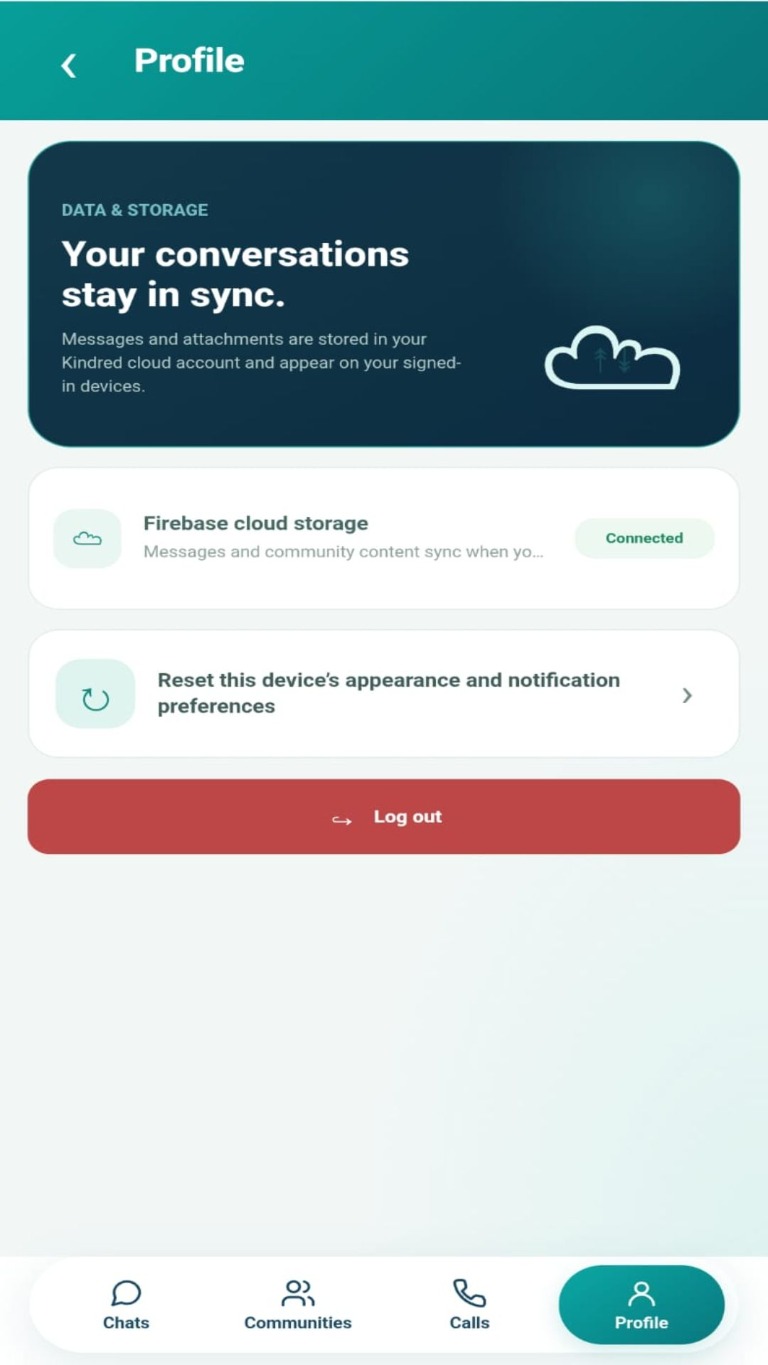
  • ✓ Cloud sync across signed-in devices

Messages and attachments sync through your Kindred cloud account.

A few quick answers

Good to know
before you start.

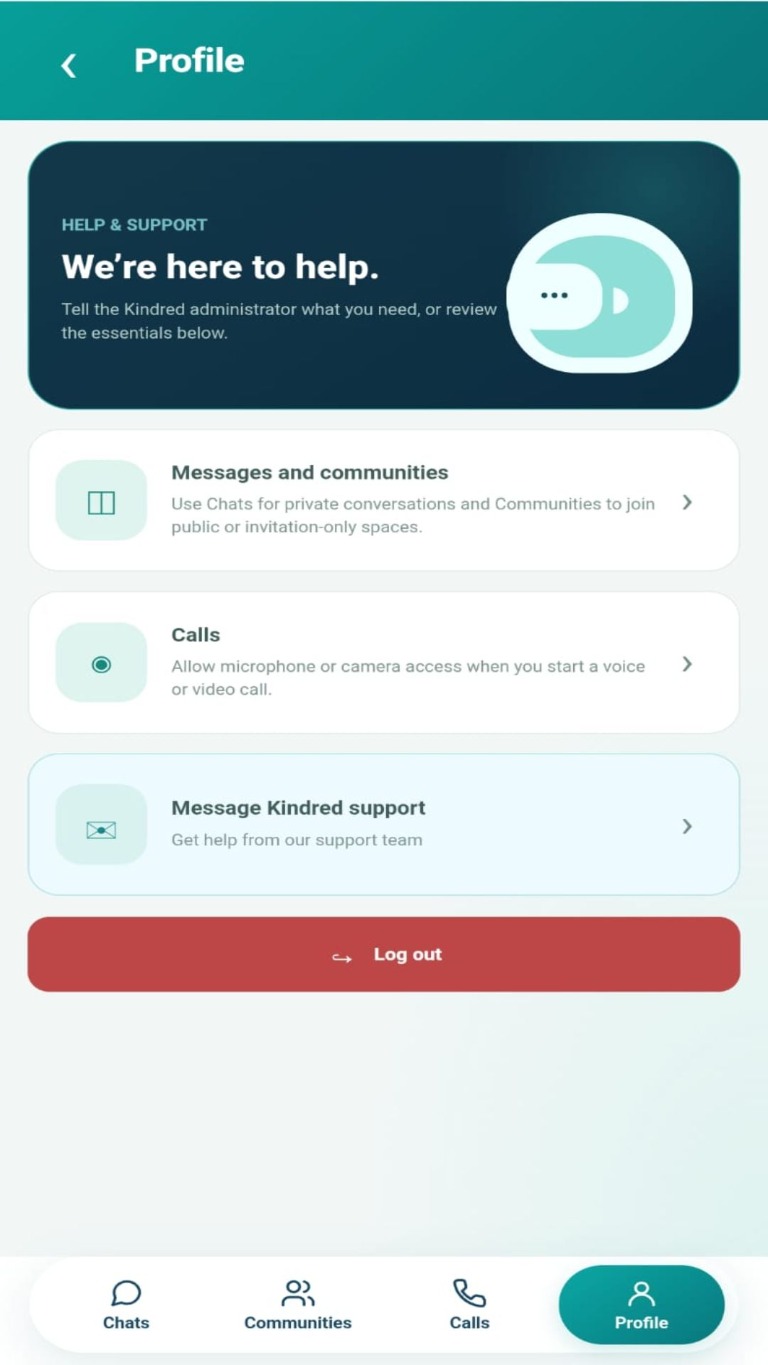
New to Kindred? Here are the essentials for choosing how to connect and finding your way around.

Can I use Kindred in a browser?

Yes. Open the Kindred web app in your browser, or download the Android app.

What can I do in Kindred?

Have direct conversations, discover public communities or create a space, and start voice or video calls with your contacts.

Can I personalize my experience?

Kindred includes appearance, profile visibility, and notification settings. The available options may vary by app version.

See all help & support answers

Start with your people

Your next good
conversation is close.

Download Kindred for Android and bring your chats, communities, and calls together.

Download the Android app

Prefer your browser? Open the Kindred web app ↗

Android only. Your device will ask you to confirm before installing the APK.